Text chat lets you talk to a random person by typing. You do not need a camera or microphone for it.
Open text chat
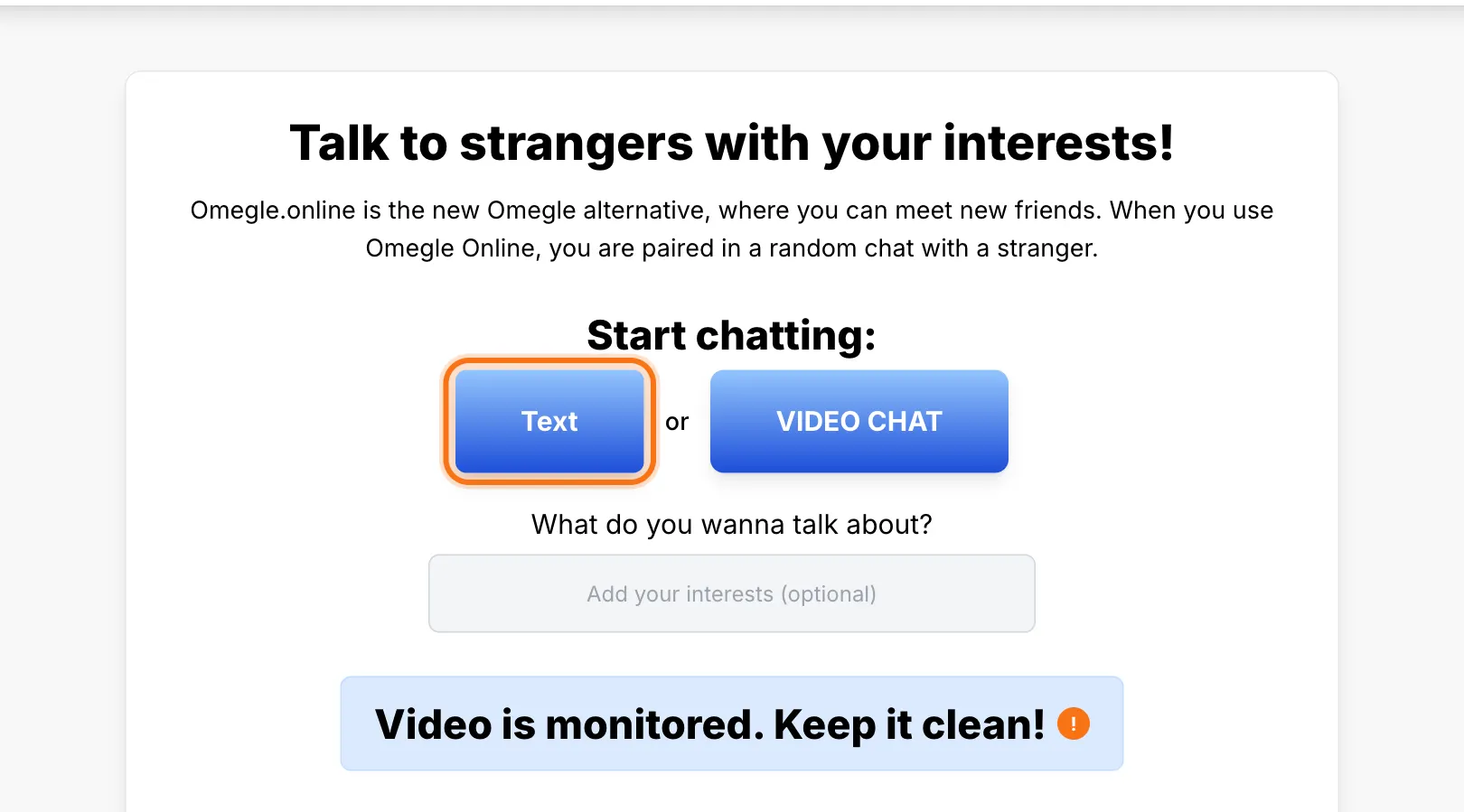
On the home page, select the text chat button.
Read the rules and start
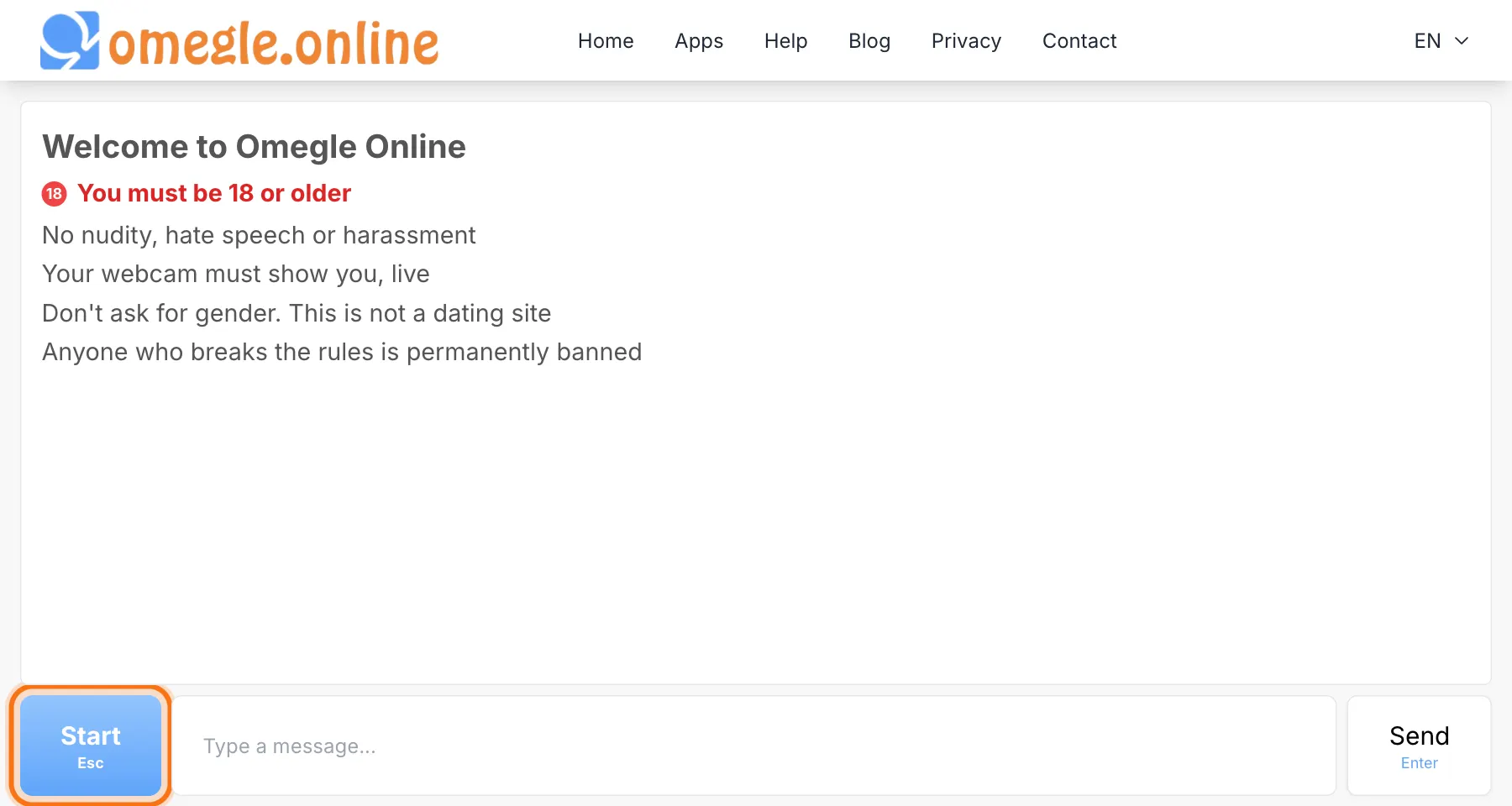
The chat screen shows the rules of the site. After reading them, select Start or press the Esc key.
Choose your preferences
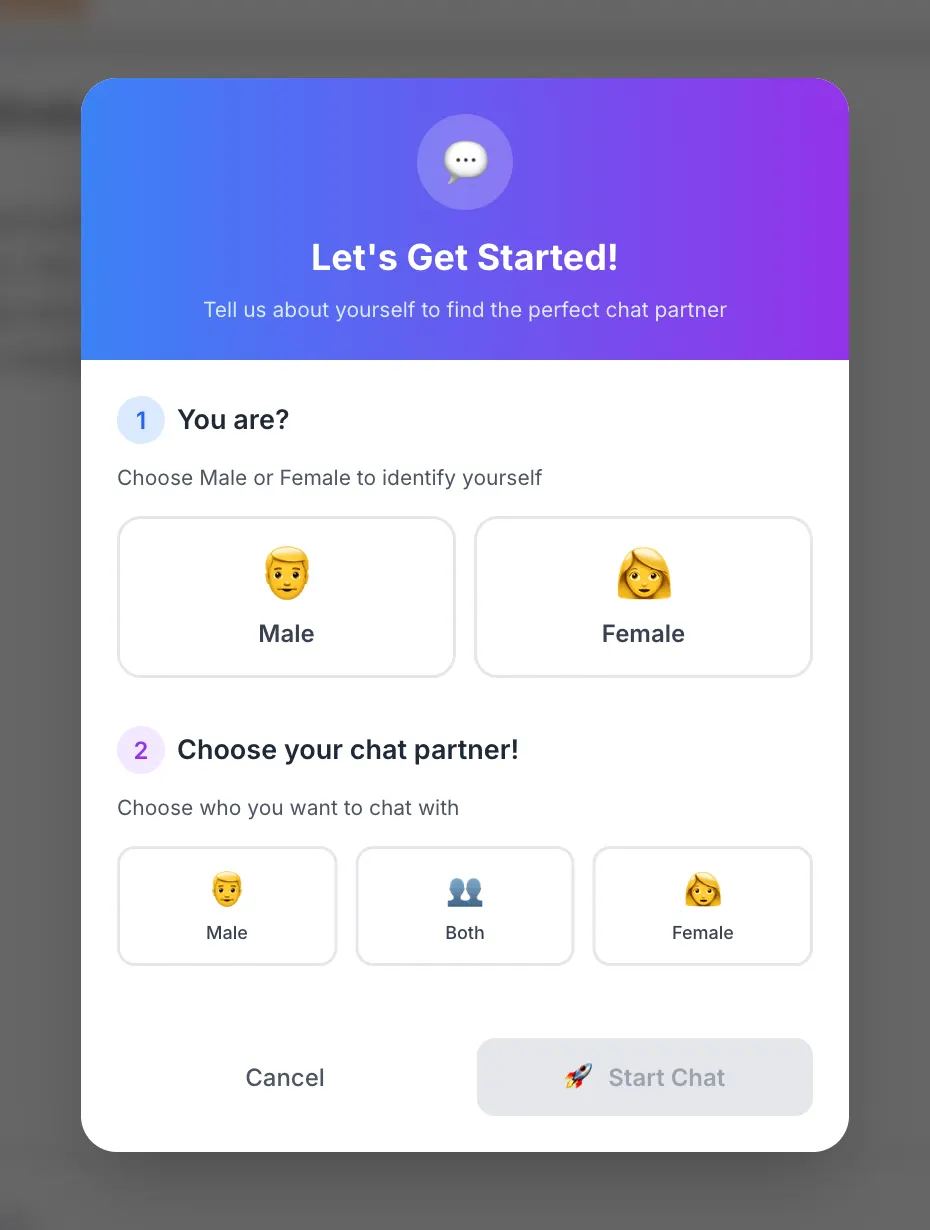
The first time you start, choose your gender and who you want to chat with. Then confirm to begin searching for a partner.
Send messages
Type in the message box at the bottom of the screen. Press Enter or select the send button.
Move on or stop
To talk to someone else, press Esc or select the new chat button in the same place as the start button. To finish, select the stop button.