Help Center

How can we help?

Guides for Omegle Online video chat, text chat, your camera and staying safe.

Get started in three steps

From the home page to your first conversation in under a minute.

  1. Choose text or video1

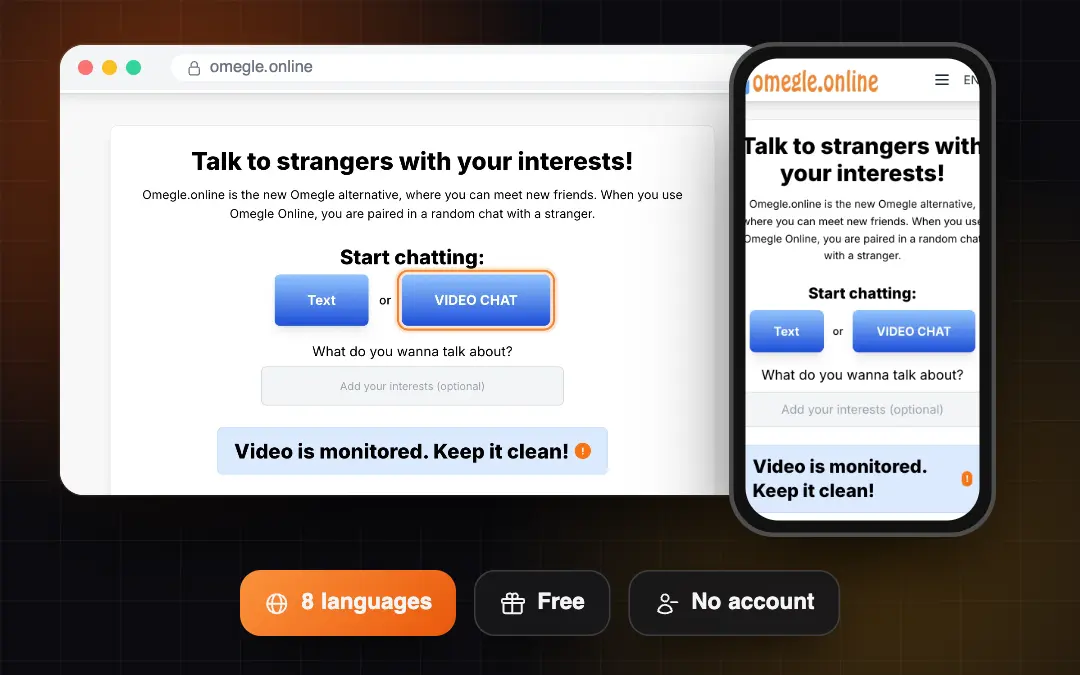
    Choose text or video

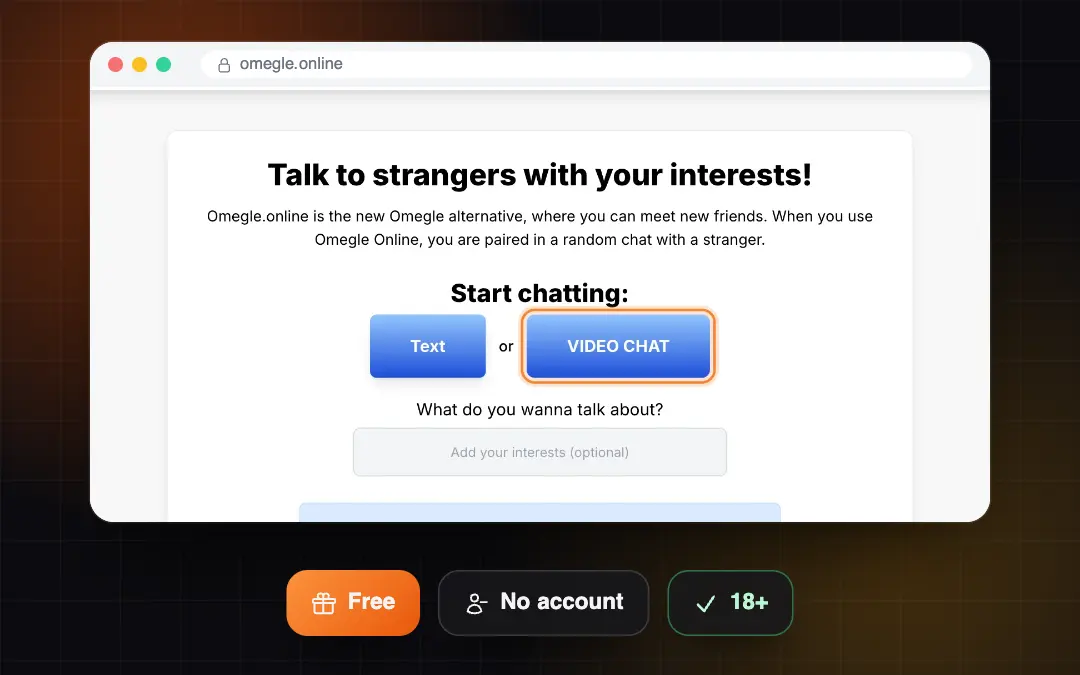
    Pick how you want to talk on the home page. No account needed.

    Read the guide
  2. Allow camera and microphone2

    Allow camera and microphone

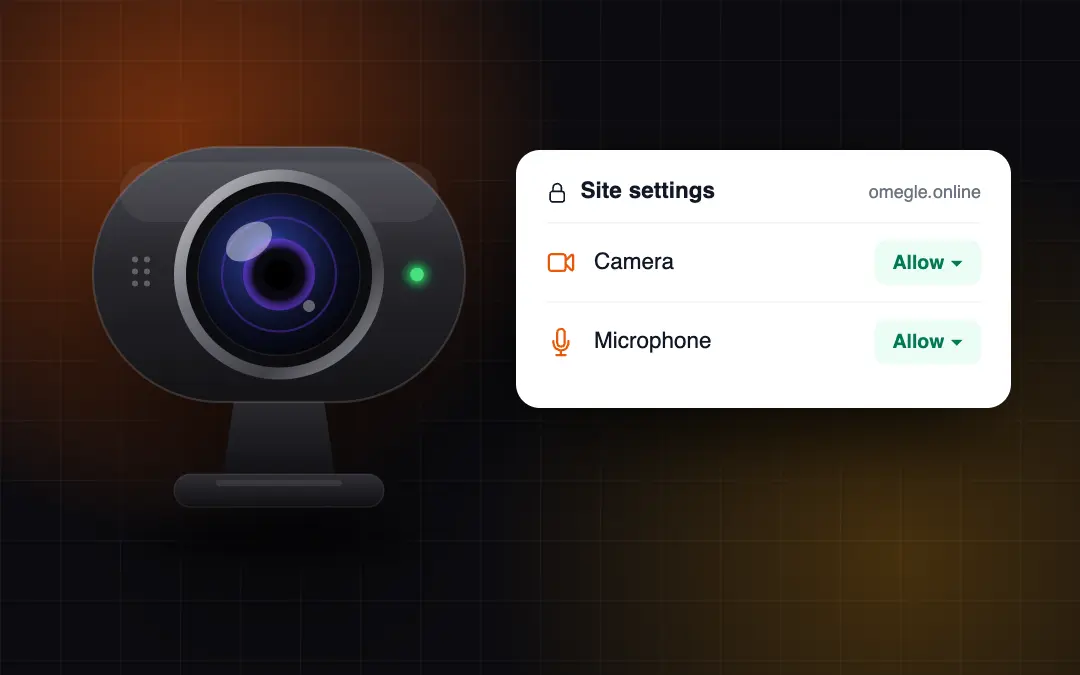
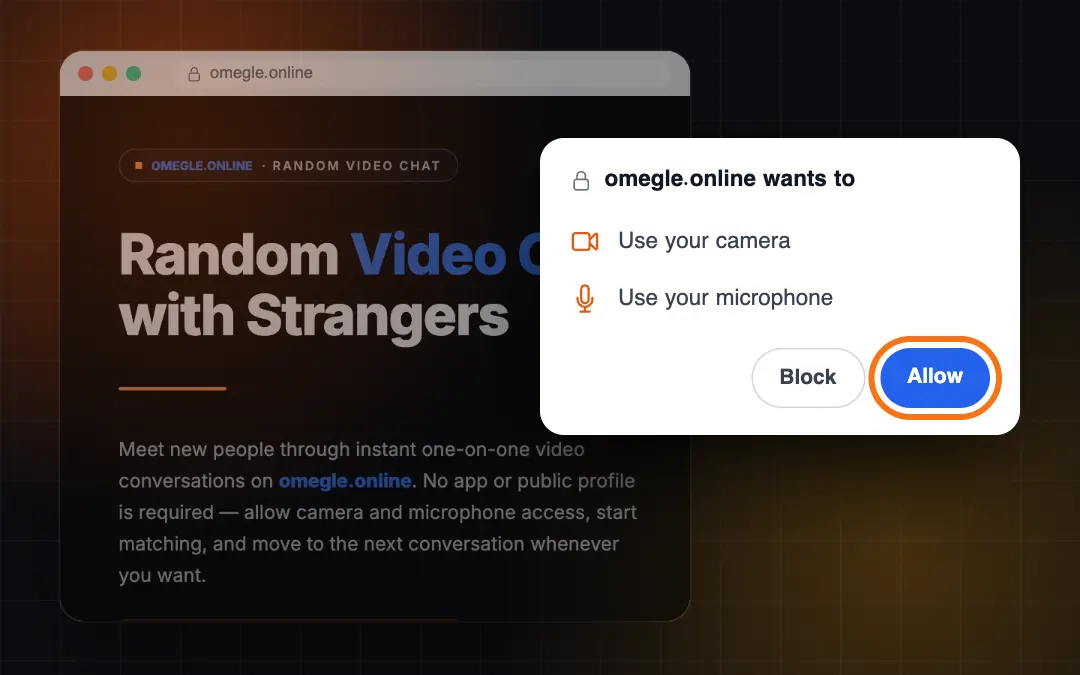
    For video chat, select Allow when your browser asks.

    Read the guide
  3. Meet new people3

    Meet new people

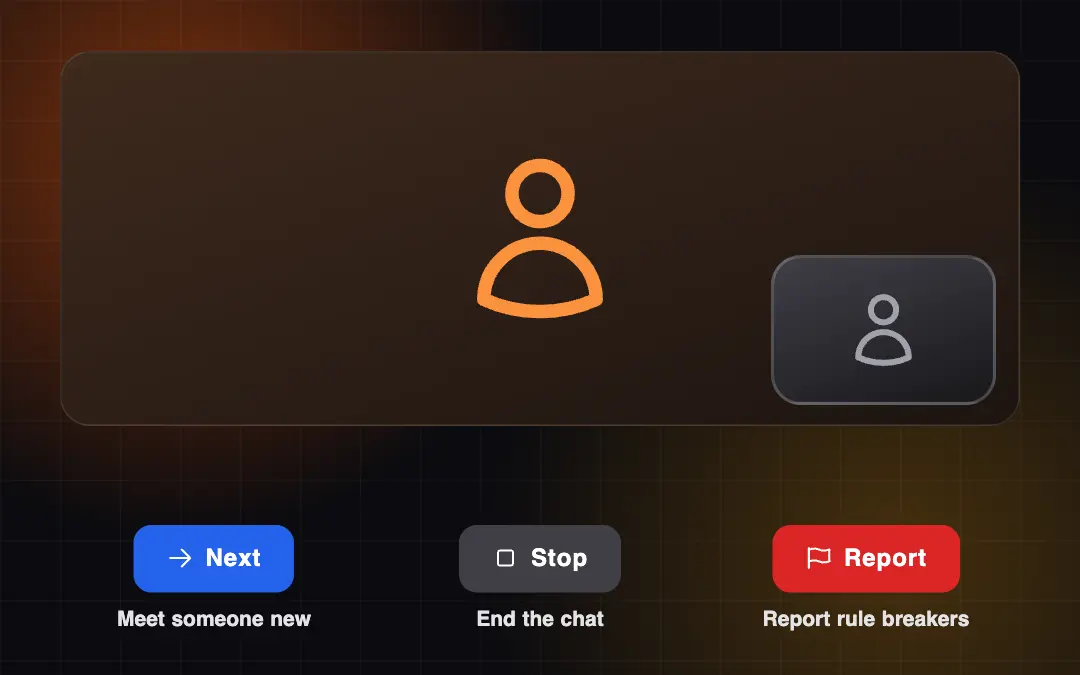
    Use Next to meet someone new, Stop to end the chat and Report to flag rule breakers.

    Read the guide

About us

Everything you need to know about Omegle Online

Omegle Online is a free website where you can talk to strangers from around the world, one on one, by text or by video. There is no account to create and nothing to install: just open the site in your browser and start chatting.

This help center explains every part of the site. Below you will find a short overview of how it all works, the rules every user follows and answers to the most common questions. For step-by-step instructions with screenshots, open any of our guides.

Help guides
16
Help guides
Languages
8
Languages
Minimum age
18+
Minimum age
Support reply time
24 h
Support reply time
Text chat: talk to strangers by typing

Text chat: talk to strangers by typing

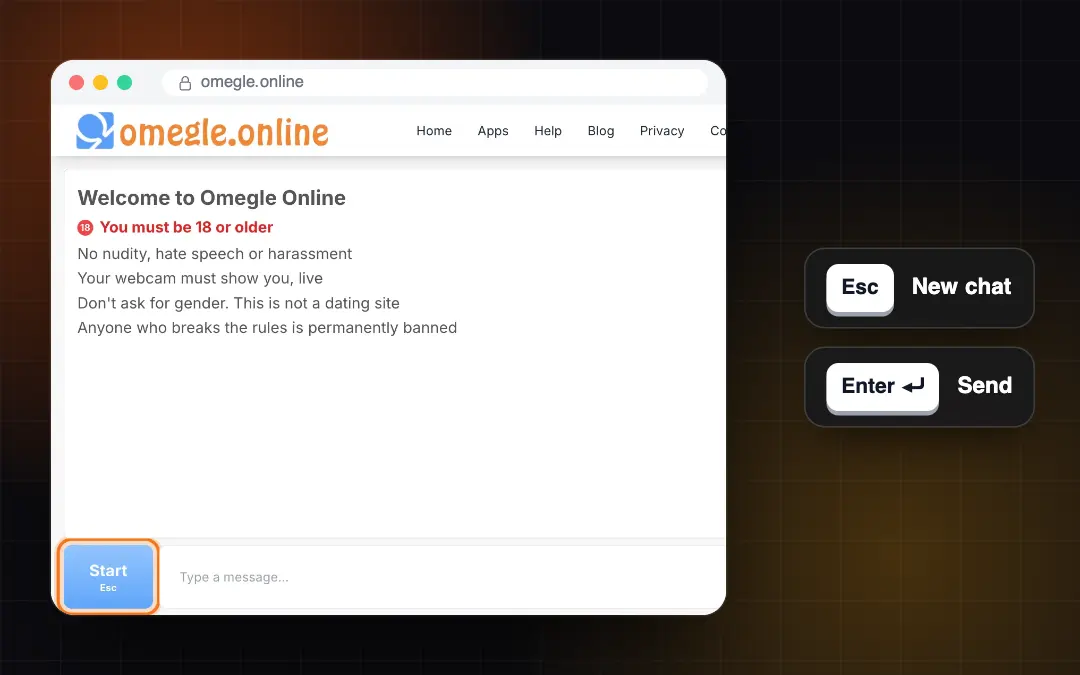
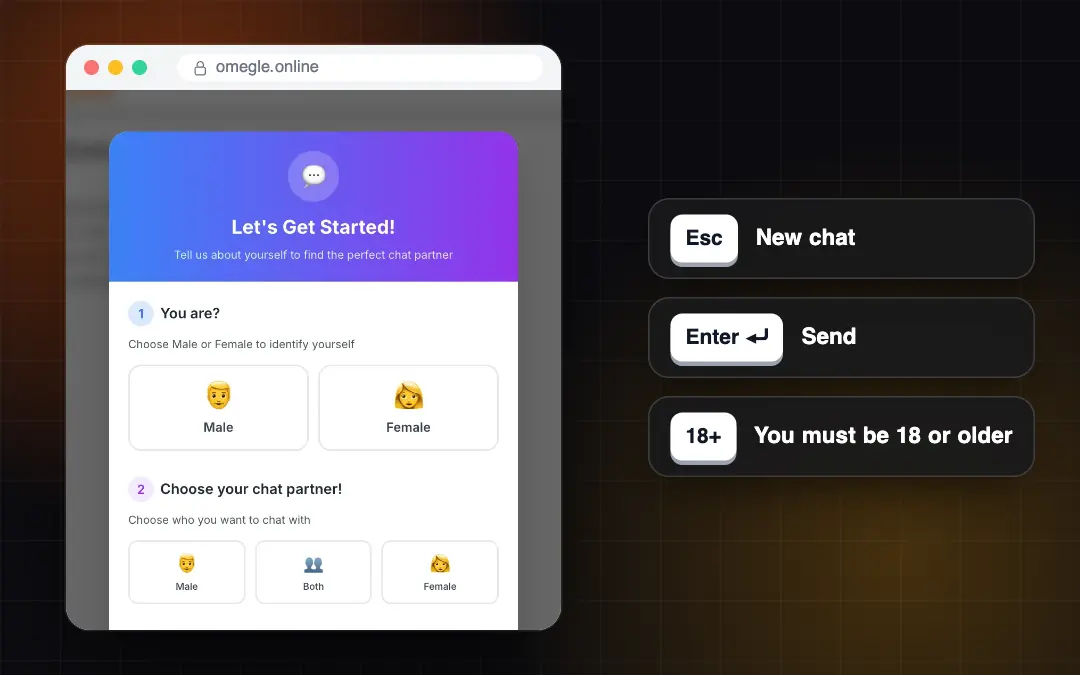
Text chat runs directly on Omegle Online and needs no camera or microphone. You choose your gender and who you would like to talk to, and we find you a partner within seconds. Press Enter to send a message and Esc to move on to someone new.

Learn more
Omegle Online video chat: meet people face to face

Omegle Online video chat: meet people face to face

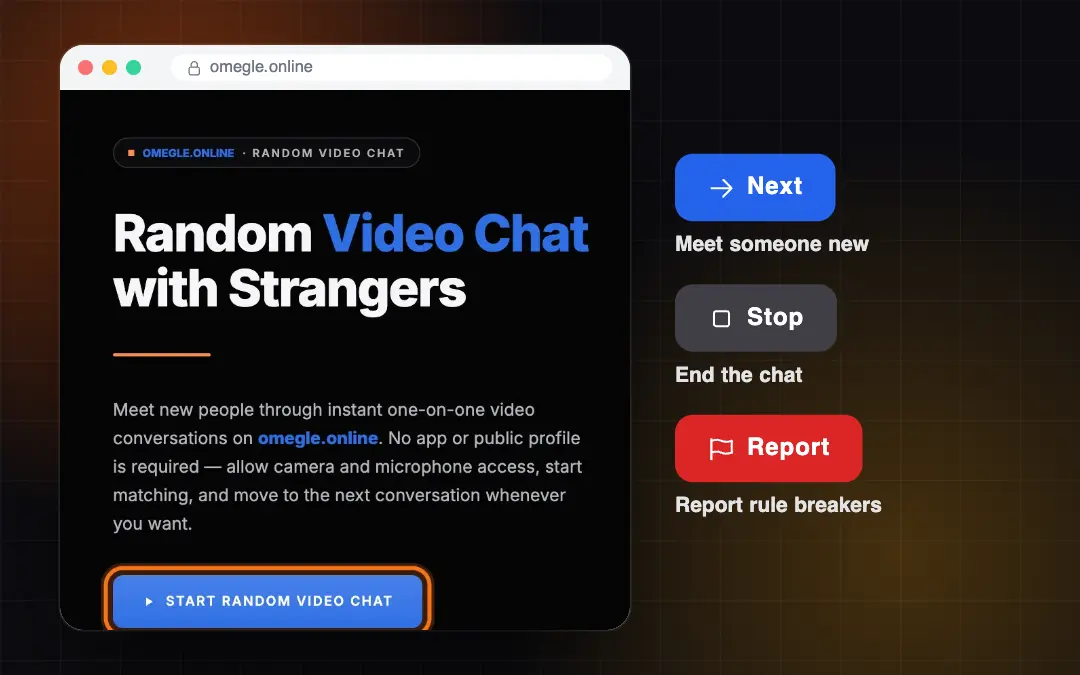
With video chat you see the person you are talking to. Select Start Random Video Chat, allow your camera and microphone, and you are paired with a random person. Next takes you to someone new, Stop ends the chat and Report flags anyone who breaks the rules.

Learn more
Clear rules for a friendly community

Clear rules for a friendly community

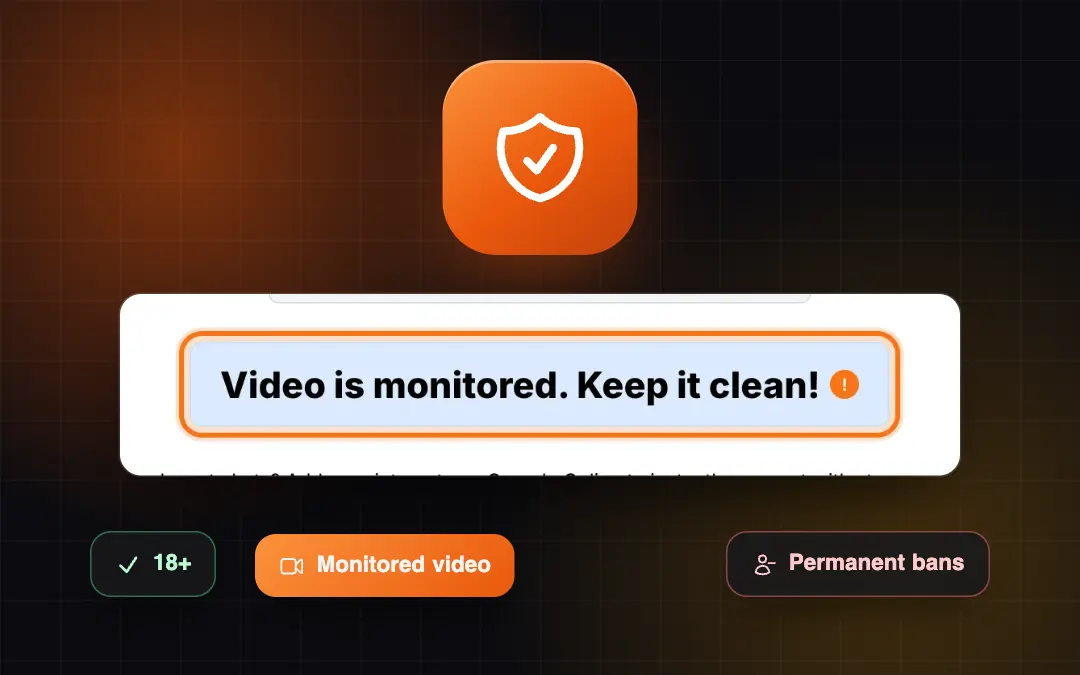
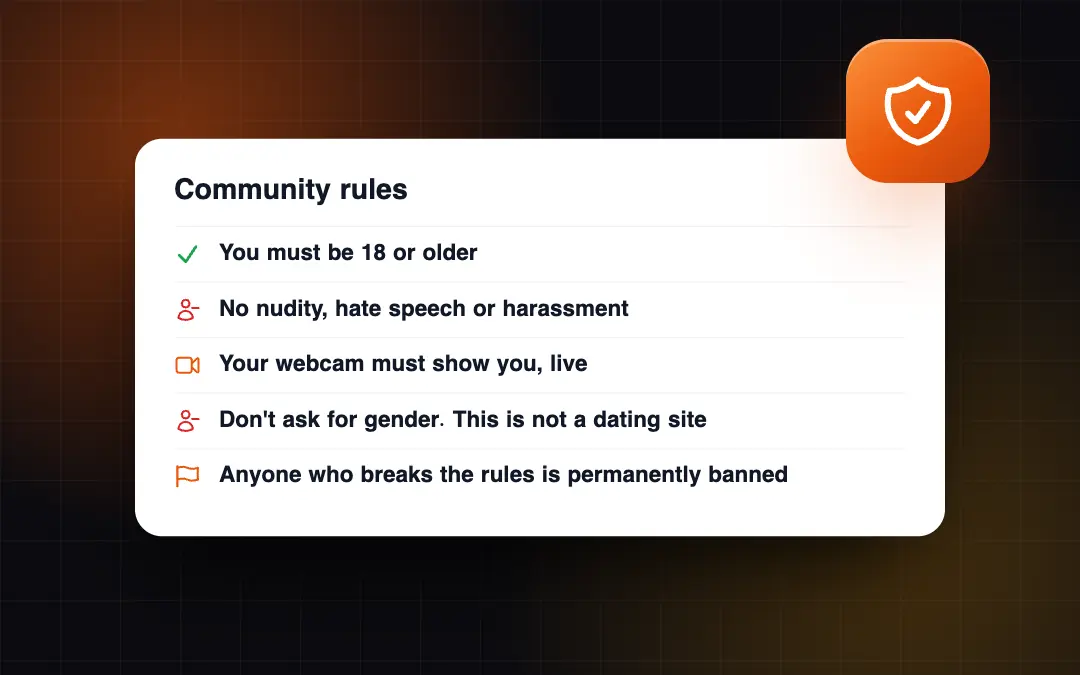
Omegle Online is for adults aged 18 and over. Nudity, hate speech and harassment are not allowed, your webcam must show you live, and asking for gender is not allowed because this is not a dating site. Video is monitored, and people who break the rules are permanently banned.

Learn more
Omegle Online in eight languages

Omegle Online in eight languages

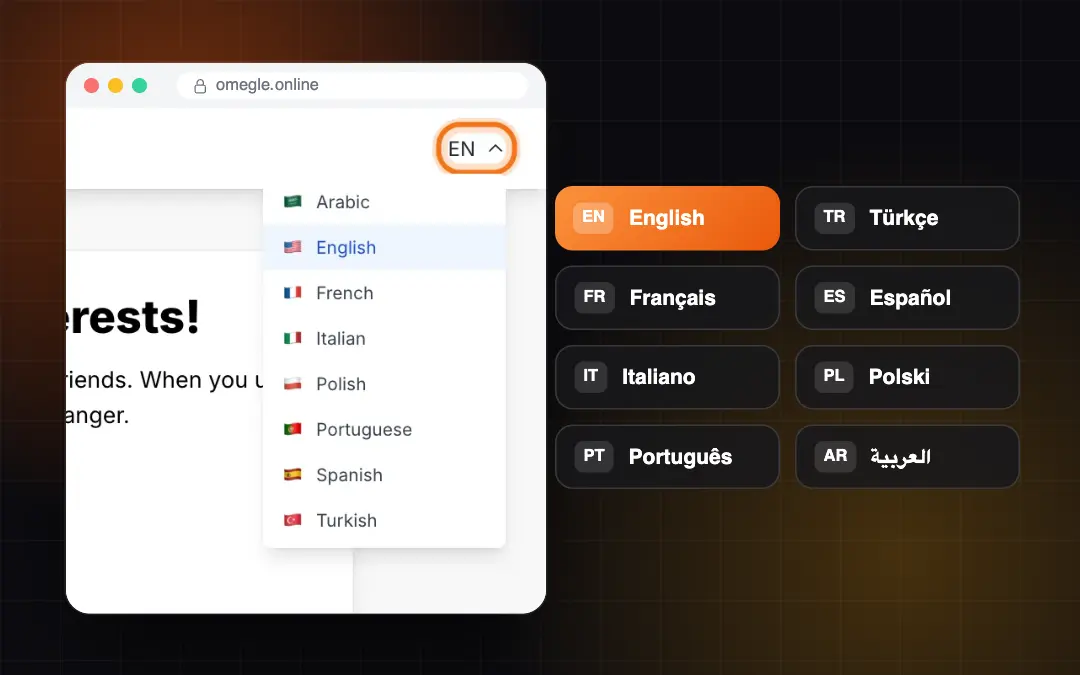
The website, this help center and our blog are available in English, Turkish, French, Spanish, Italian, Polish, Portuguese and Arabic. Choose your language from the menu at the top of any page. The screenshots in our guides show the site in the language you pick.

Learn more

Popular articles

Browse by topic

Frequently asked questions

Quick answers to the questions we hear most often.

Is Omegle Online the same as Omegle?

No. The original Omegle closed in November 2023. Omegle Online is a separate, independently operated website built around the same simple idea: talking to strangers at random.

Learn more

How old do I have to be to use Omegle Online?

You must be at least 18 years old to use the site.

Learn more

Do I need to download an app?

No. The site works in the browser on computers, tablets and phones.

Learn more

Why is my camera not working?

Usually your browser has blocked camera access, or another app is using the camera. Allow the camera in your browser's site settings, close other video apps and reload the page.

Learn more

What should I do if the chat will not connect?

Reload the page, switch to a more stable connection and turn off any VPN or proxy for a moment. If the chat still freezes, update your browser or try another one.

Learn more

How do I report someone?

In video chat, select Report during the conversation. For text chat, leave the chat and email us at [email protected] with the date, the time and what happened.

Learn more

How can I get in touch with you?

Write to [email protected] or use the contact form. We usually reply within 24 hours.

Learn more

Still need help?

Our team is ready to answer your question.

Contact support