Video chat runs in your browser, so there is nothing to install. You need a working camera and microphone, and you must be at least 18 years old.
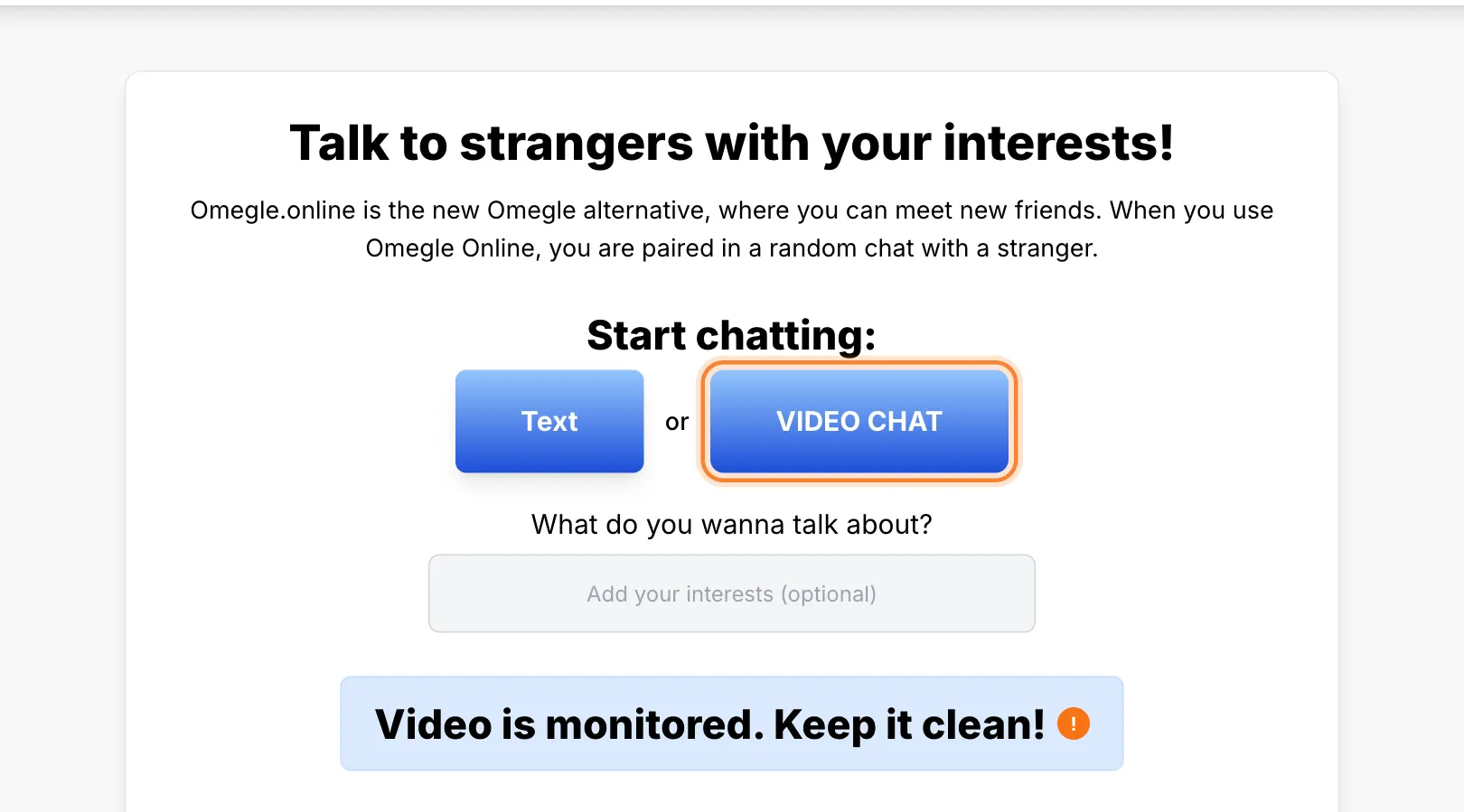
Choose video chat on the home page
Open the home page and select the video chat button.
Start the chat
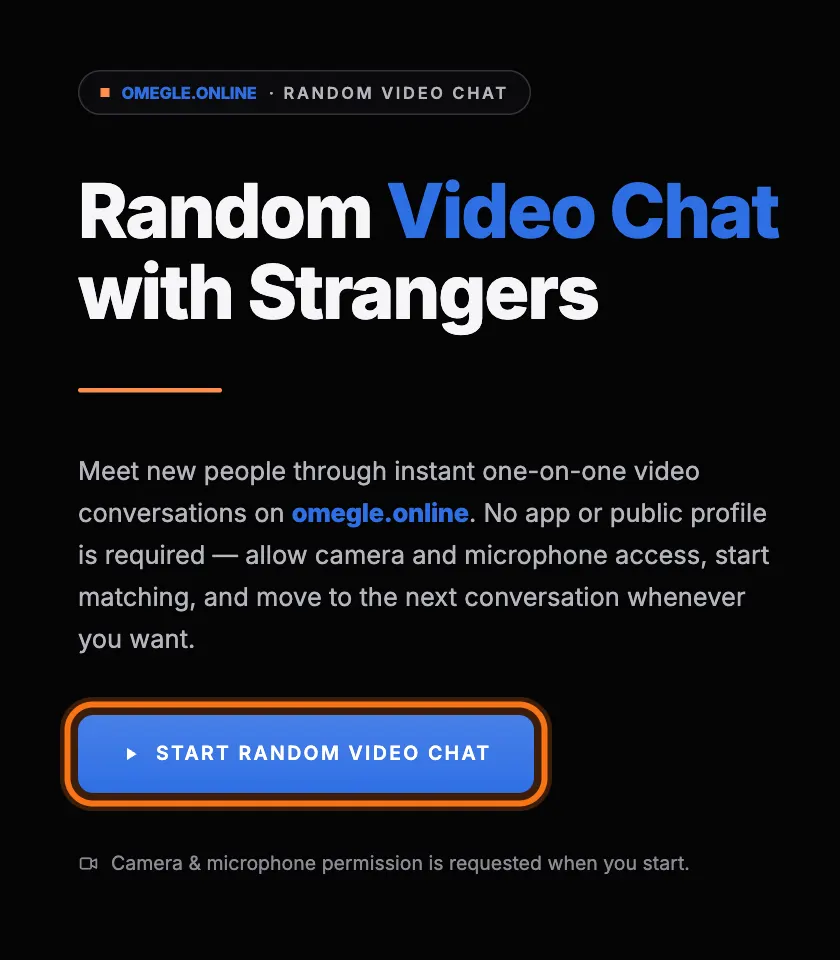
The Omegle Online video chat page opens. Select Start Random Video Chat to begin.
Allow your camera and microphone
Your browser asks for permission to use your camera and microphone. Select Allow. If you do not see the request, or you blocked it by mistake, follow our camera and microphone guide.
Use the chat controls
During a chat you have three controls. Next moves you to another person. Stop ends the chat. Report flags someone who is breaking the rules.