Omegle Online is built around one simple idea: you press a button and talk to someone you have never met. Here is what happens behind each step.
You choose how to talk
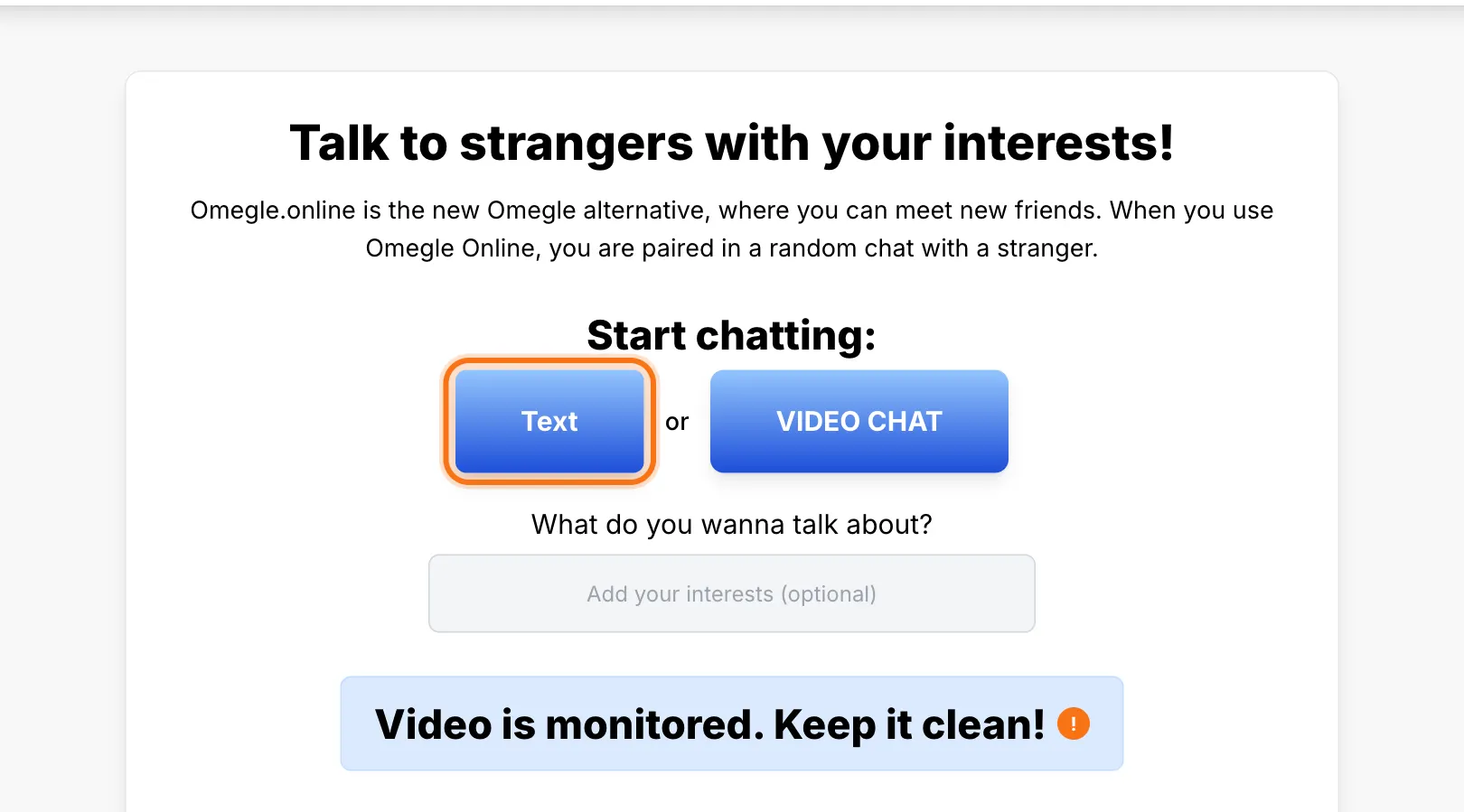
The home page has two buttons: one for text chat and one for video chat. Neither needs an account.
Text chat starts with the rules
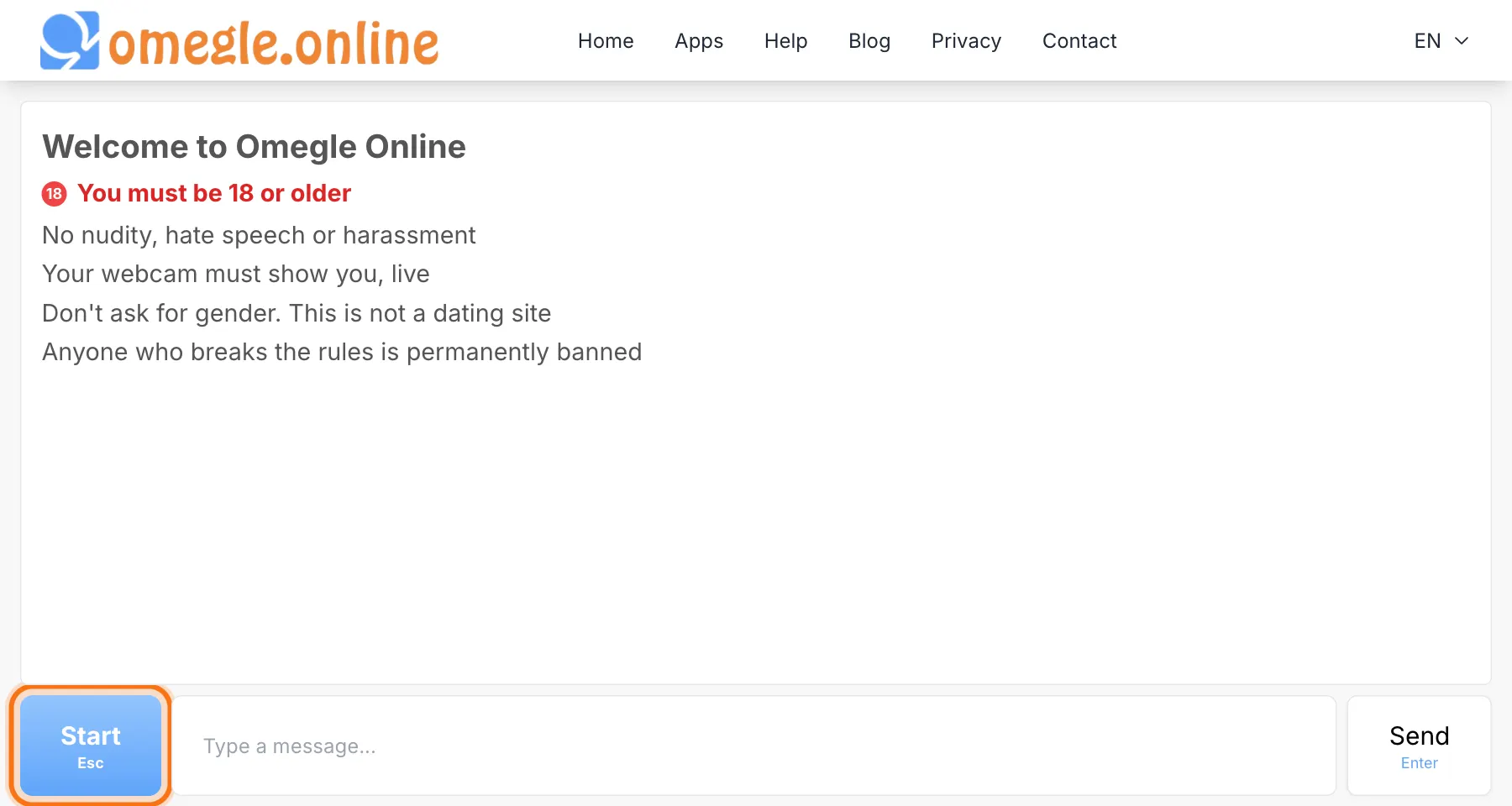
When you open text chat, you first see our community rules. Select Start or press Esc when you are ready.
You set your preferences
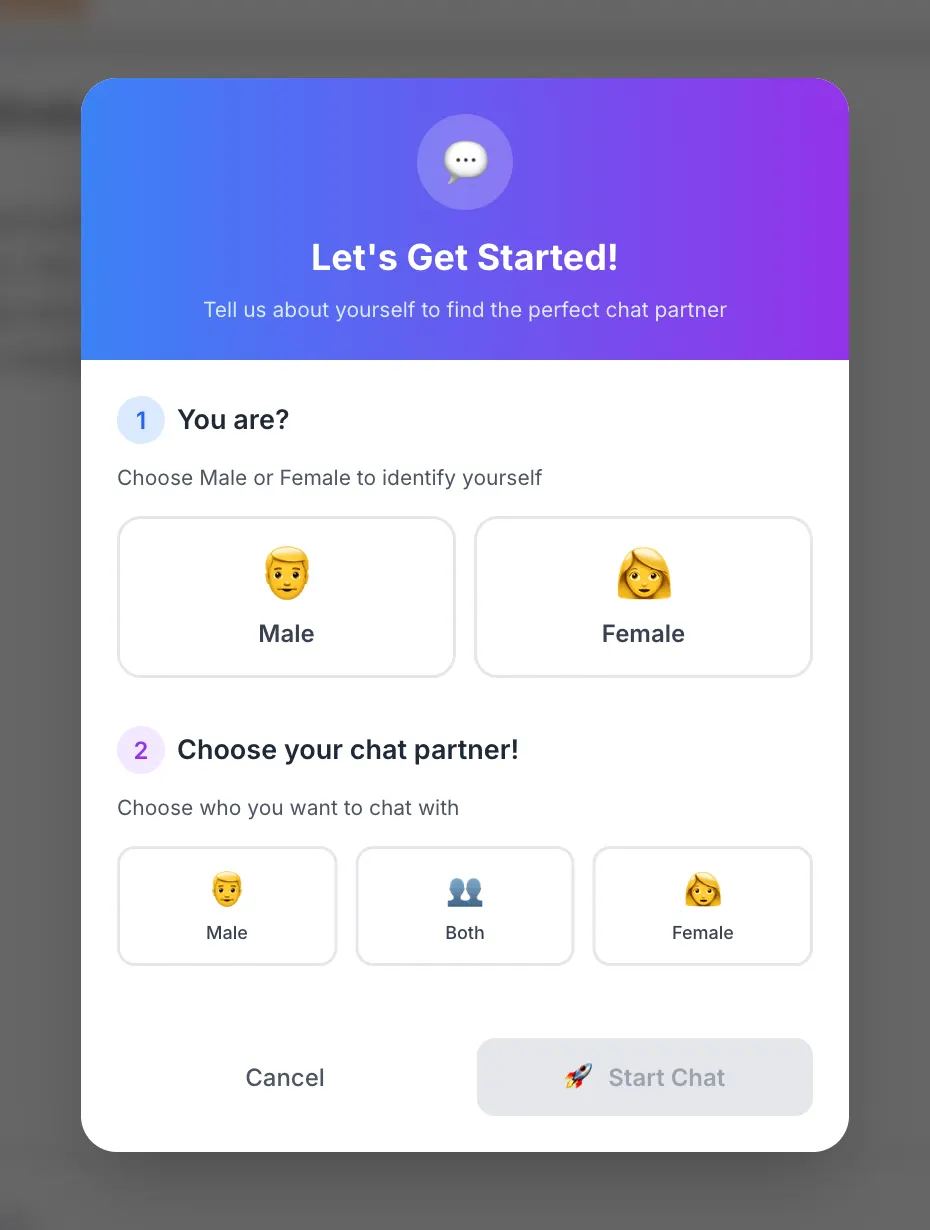
Choose your gender and who you would like to chat with. We then look for a partner for you, which usually takes only a few seconds.
Video chat starts with one click
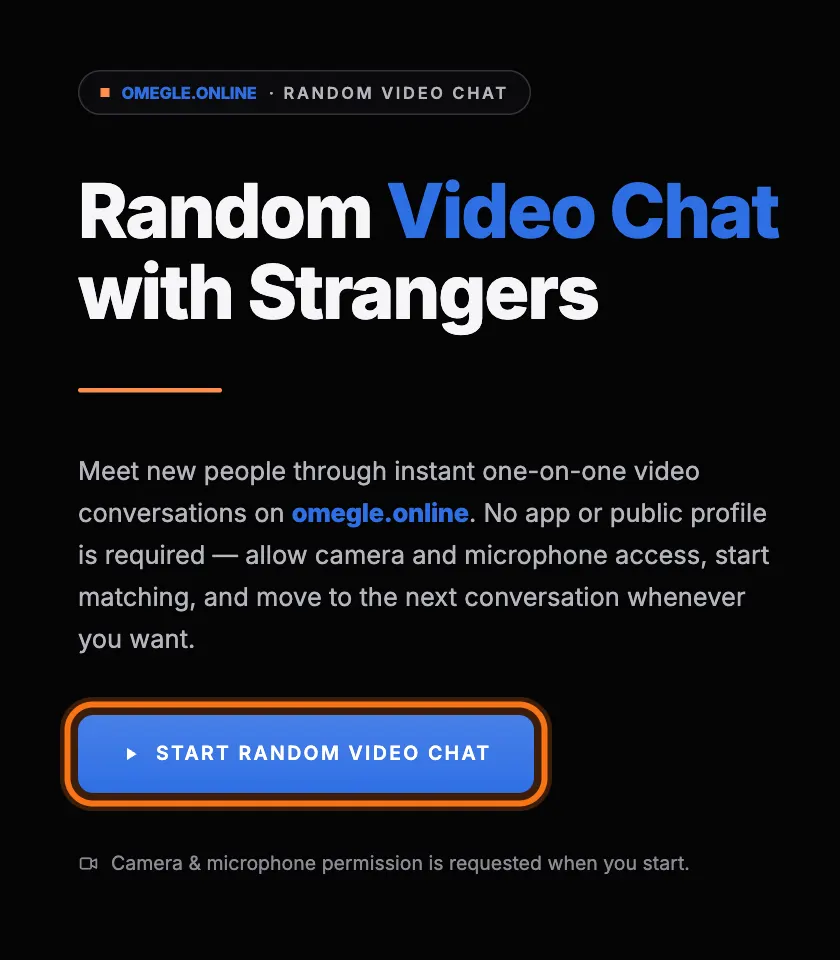
If you choose video, the video chat page opens. Select Start Random Video Chat and allow your camera and microphone.
You are paired at random
Every conversation is with a randomly chosen person. If it is not a good match, press Esc in text chat or select Next in video chat to meet someone else. Select the stop button in text chat, or Stop in video chat, to end the conversation.
What it costs
Nothing. Chatting here is free, and you do not need to create an account. Read is it free, and do I need an account? for what you need before you start.
Where to get help
This help center covers everything from camera problems to reporting someone. Our blog has longer guides about safety and better conversations.