Omegle Online video chat lets you talk face to face with random people from around the world, right in your browser. It is free, needs no account and works on computers and phones.
Select video chat on the home page
On the home page, select the video chat button.
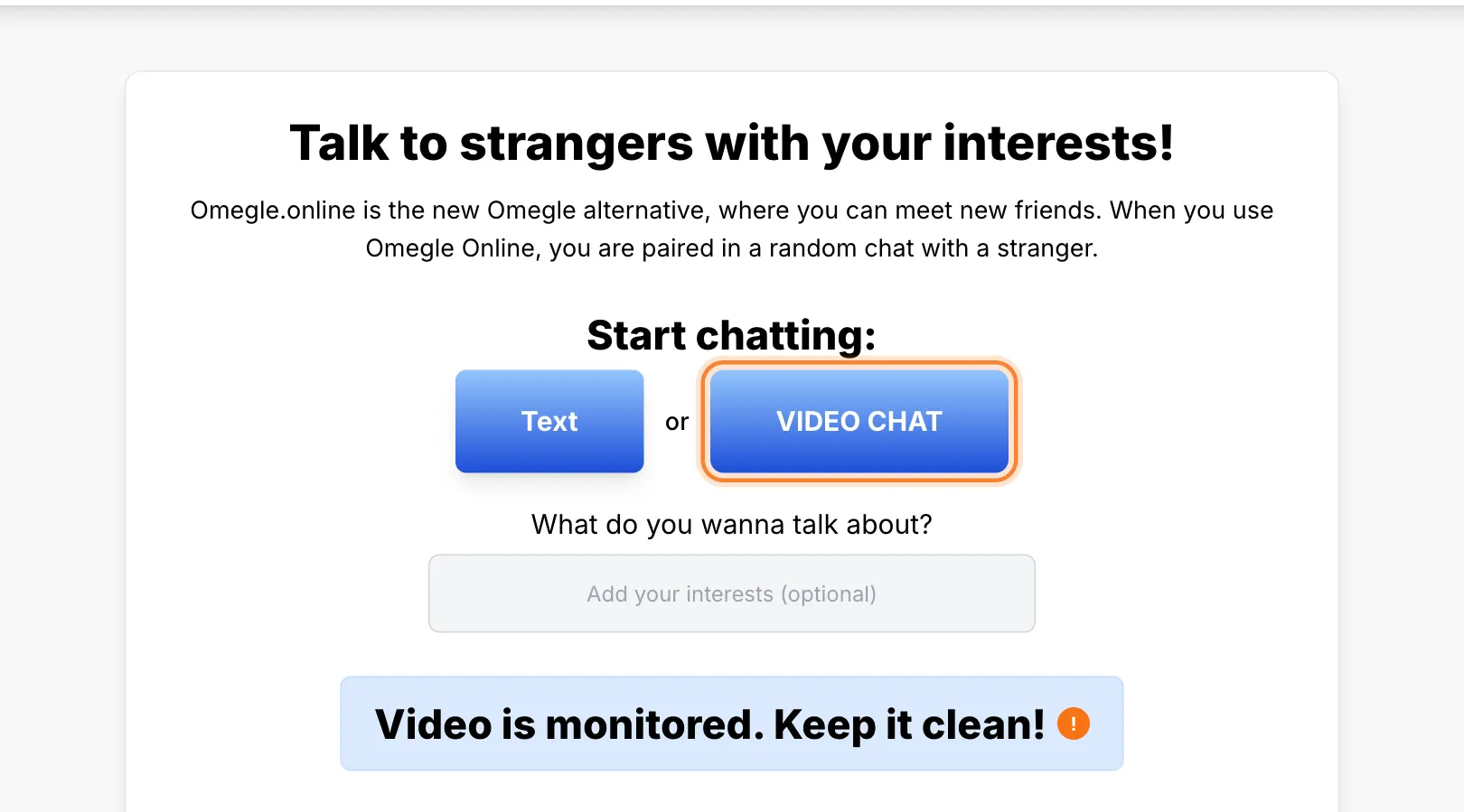
Start a random video chat
The video chat page opens. Select Start Random Video Chat.
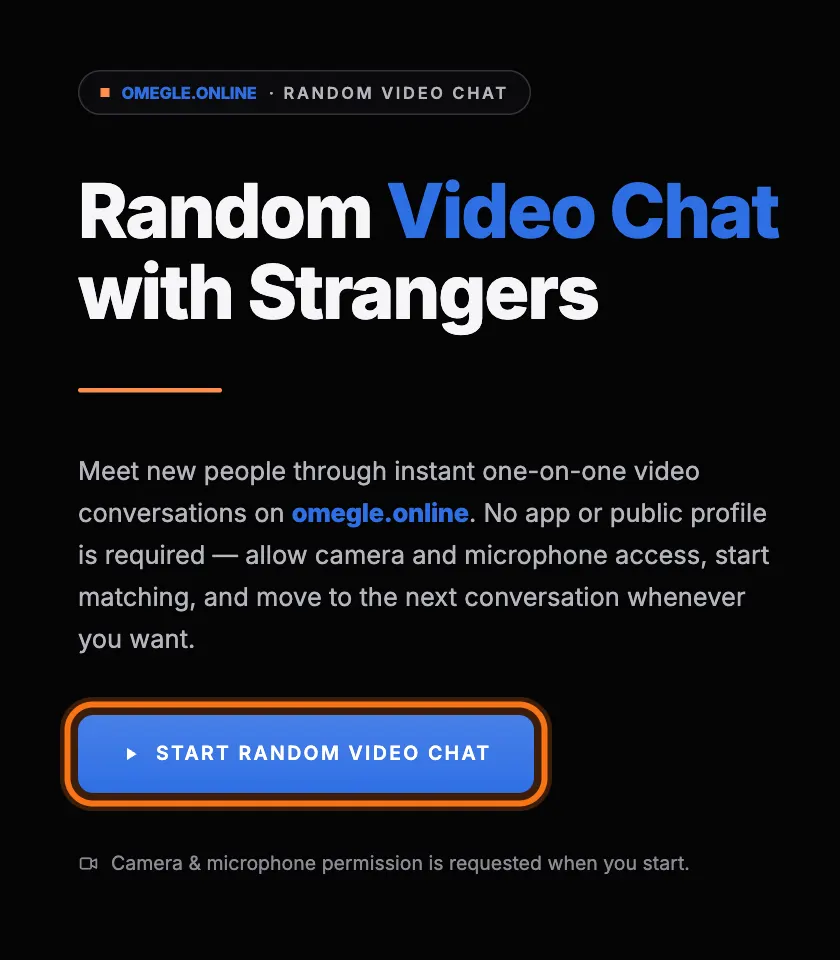
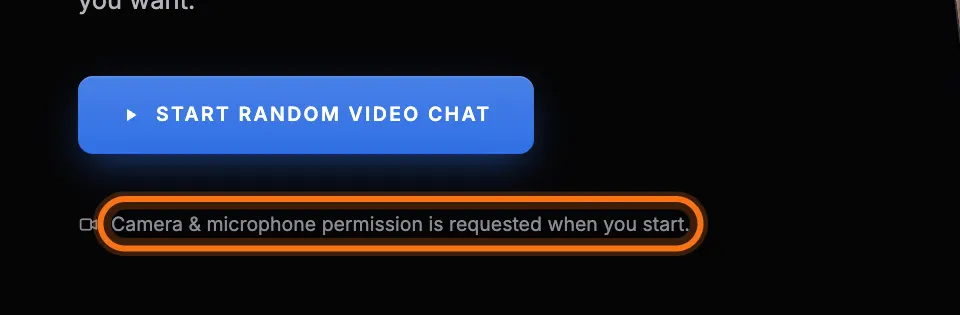
Allow your camera and microphone
Your browser asks whether the site may use your camera and microphone. Select Allow.
Meet someone new
You are paired with a random person. Select Next to meet someone else, Stop to end the chat, or Report if someone breaks the rules.
What you need for video chat
- You must be at least 18 years old.
- A modern browser such as Chrome, Edge, Firefox or Safari.
- A working camera and microphone.
- A stable internet connection. Wi-Fi usually works best.
Tips for a better video chat
- Sit facing a light source, not with a window behind you.
- Use headphones to avoid echo.
- Close other apps that use your camera, such as Zoom or Teams.
- Keep your camera at eye level.
Safety in video chat
Video on our site is monitored, and people who break the community rules are permanently banned. You can leave any chat instantly and report anyone who makes you uncomfortable.