
You do not need to download anything to chat from your phone. Omegle Online runs in the browser you already have: Safari on iPhone and iPad, and Chrome on Android.
Open the site in your browser
Go to omegle.online. The home page adapts to your screen, with the text and video chat buttons right at the top.
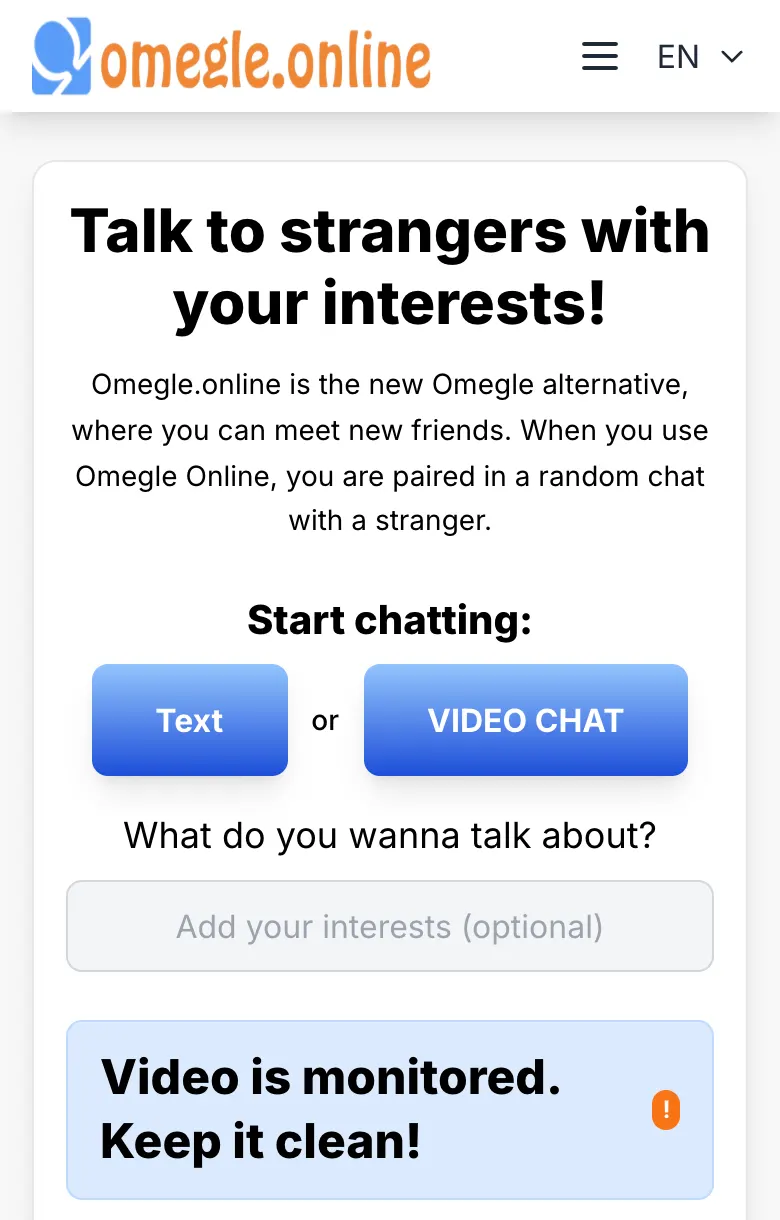
Choose text or video
Text chat and video chat both run on omegle.online, right in your phone's browser. Pick the one that suits you.
Allow the camera and microphone
Your phone asks whether the site may use your camera and microphone. Select Allow. If you selected Don't Allow by mistake, see the settings below.
If the permission was blocked
- iPhone and iPad: open the Settings app, go to Safari, and set Camera and Microphone to Ask or Allow. Then return to Safari and reload the page.
- Android: in Chrome, tap the icon to the left of the web address, open Permissions, and allow the camera and microphone. Then reload the page.
Tips for a better mobile chat
- Use Wi-Fi when you can. Video uses a lot of data, and Wi-Fi is usually more stable.
- Hold your phone at eye level. It looks much more natural than filming from below.
- Lean it against something. A steady picture is easier to watch, and your arm will thank you.
- Face the light. A window in front of you works better than a lamp behind you.
- Use earphones. They prevent echo and keep your conversation more private.
Problems with the camera? Read camera not working on video chat? 9 fixes.


