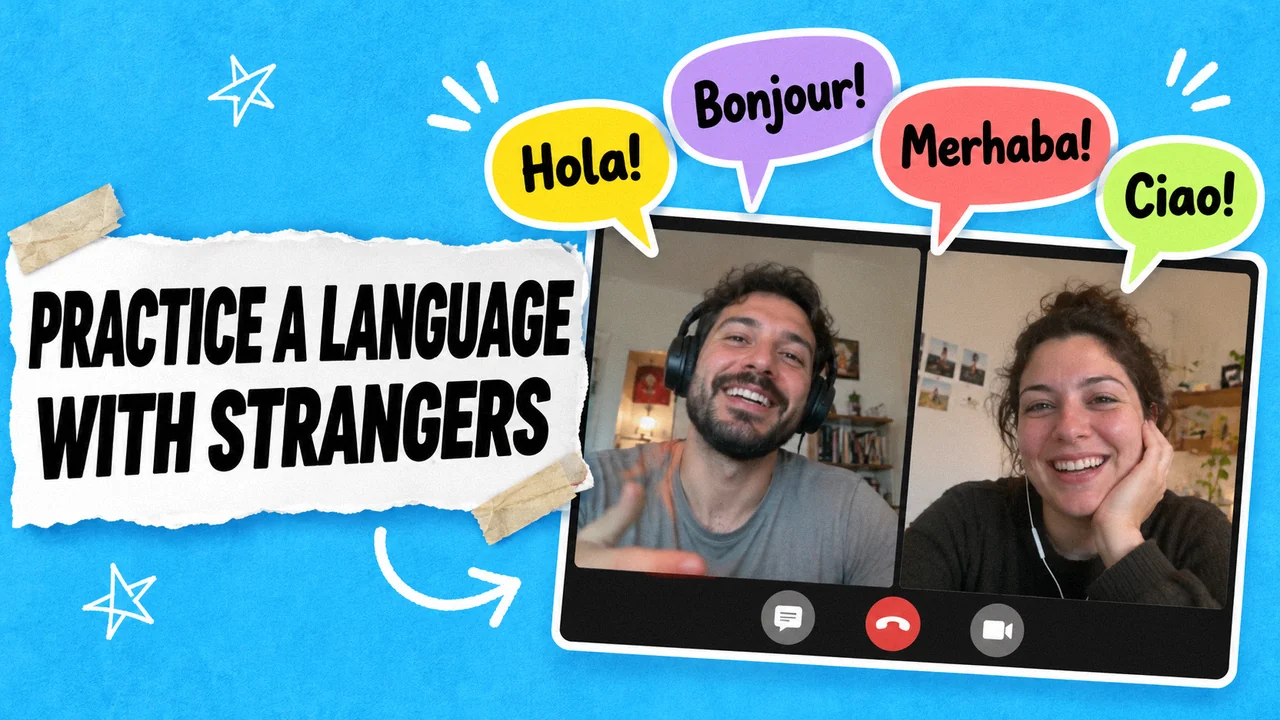
Many people start with text chat. Nobody sees you, you have time to think, and leaving a conversation takes one key. After a while, though, you may want to hear a voice, catch a laugh or see how someone reacts. This guide is about that step: how to tell you are ready, what changes when the camera is on, and how to make your first video chat go smoothly.
One thing to know first
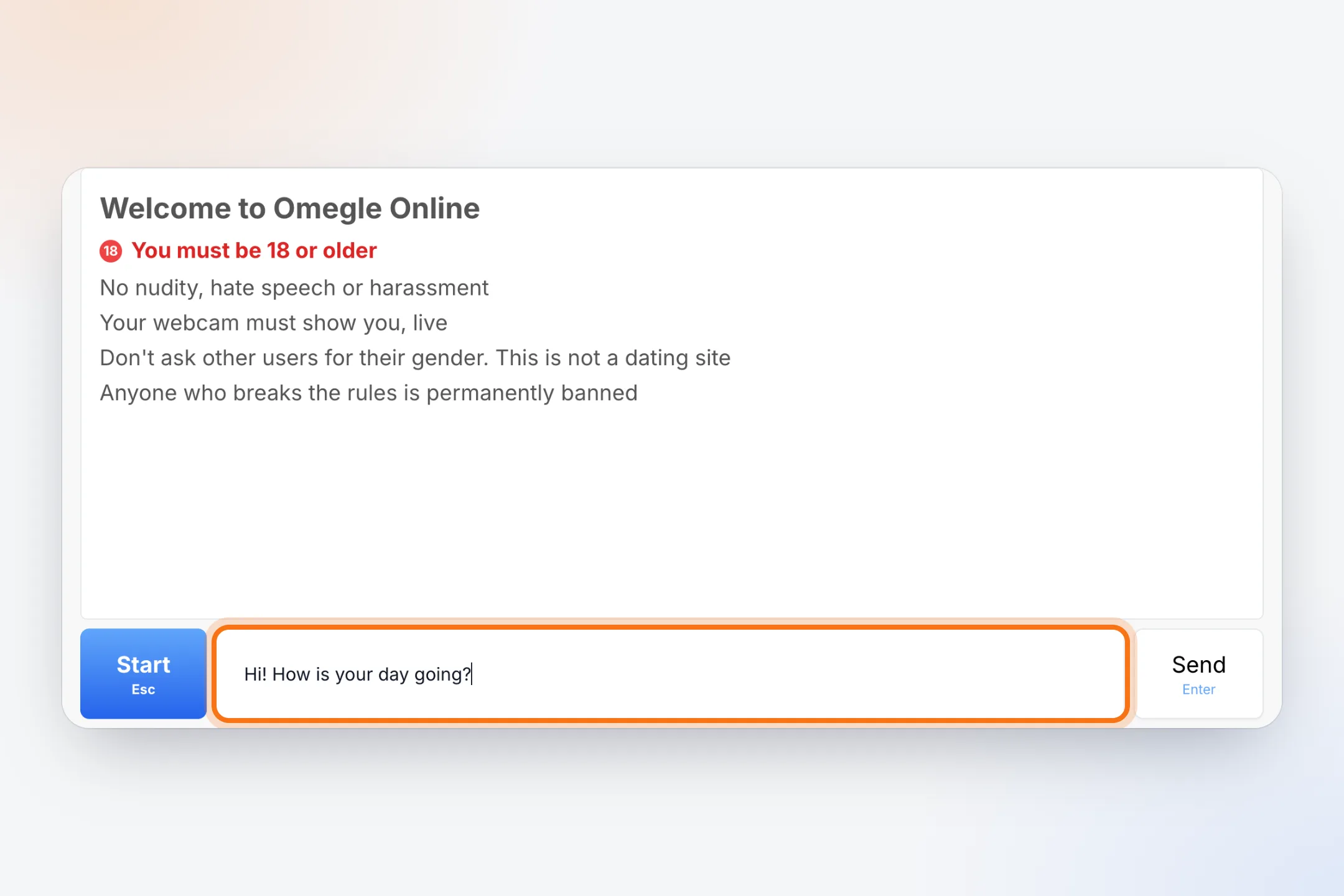
On Omegle Online, text chat and video chat are separate. There is no button that turns a text conversation into a video call with the same person. When you switch to video, you start fresh and the site connects you with someone new at random. So the switch isn’t about a particular person. It is about you getting comfortable on camera.
Signs you are ready
- Starting a conversation in text no longer feels hard, and you have a few openers that work.
- You can end a chat that isn’t going well without feeling bad about it.
- You are curious about voices, accents and reactions, the things text can’t show.
- You have a quiet moment and a place where you can talk out loud.
You don’t need to tick every box. If you aren’t sure, try one short video chat. You can stop it whenever you like.
What changes when the camera is on
- You are visible. Your face, your room and whatever is behind you. Look at what the camera sees before you start.
- The first seconds matter more. In text you have time to think; on video people decide quickly. A smile and a simple hello go a long way.
- Silence feels longer. A pause of a few seconds is normal. You don’t have to fill it.
- Leaving is still easy. You can end the chat or move on to someone new at any moment, and report anyone who breaks the rules.
Your first video chat, step by step
Get your spot ready
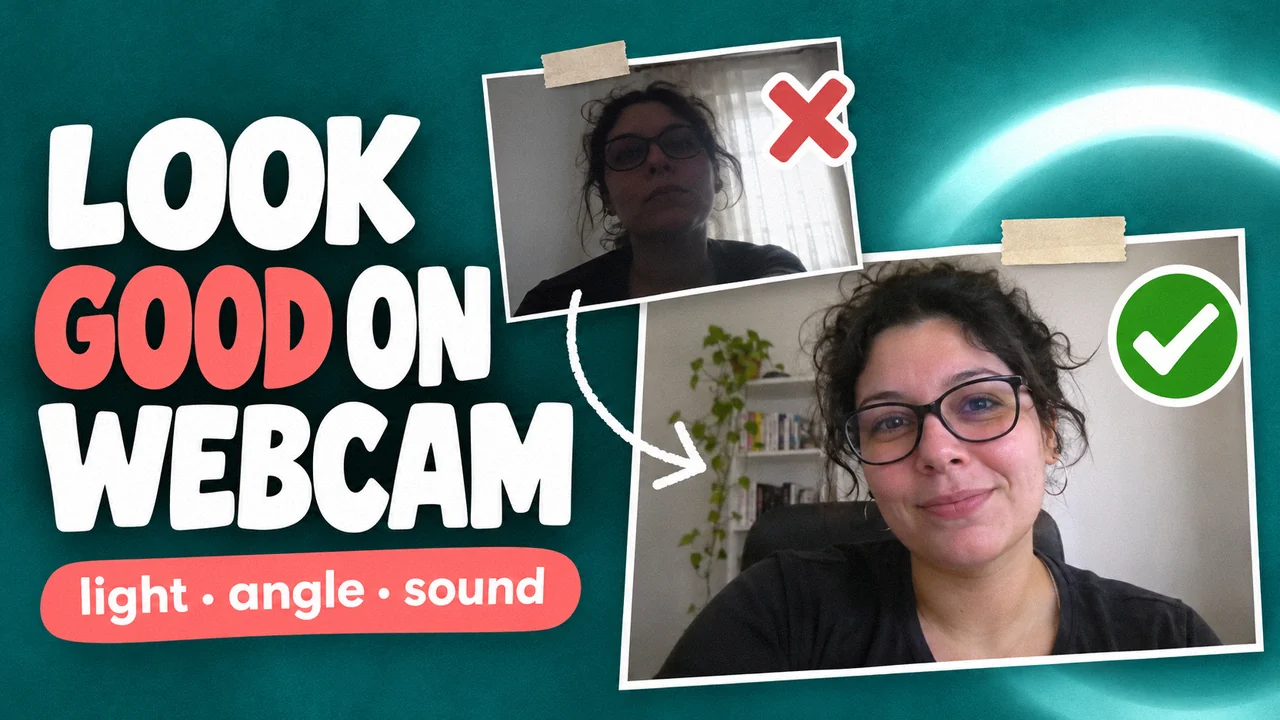
Sit facing a light, put the camera at eye level and pick a quiet room. Our guide to looking good on webcam has more simple tips.
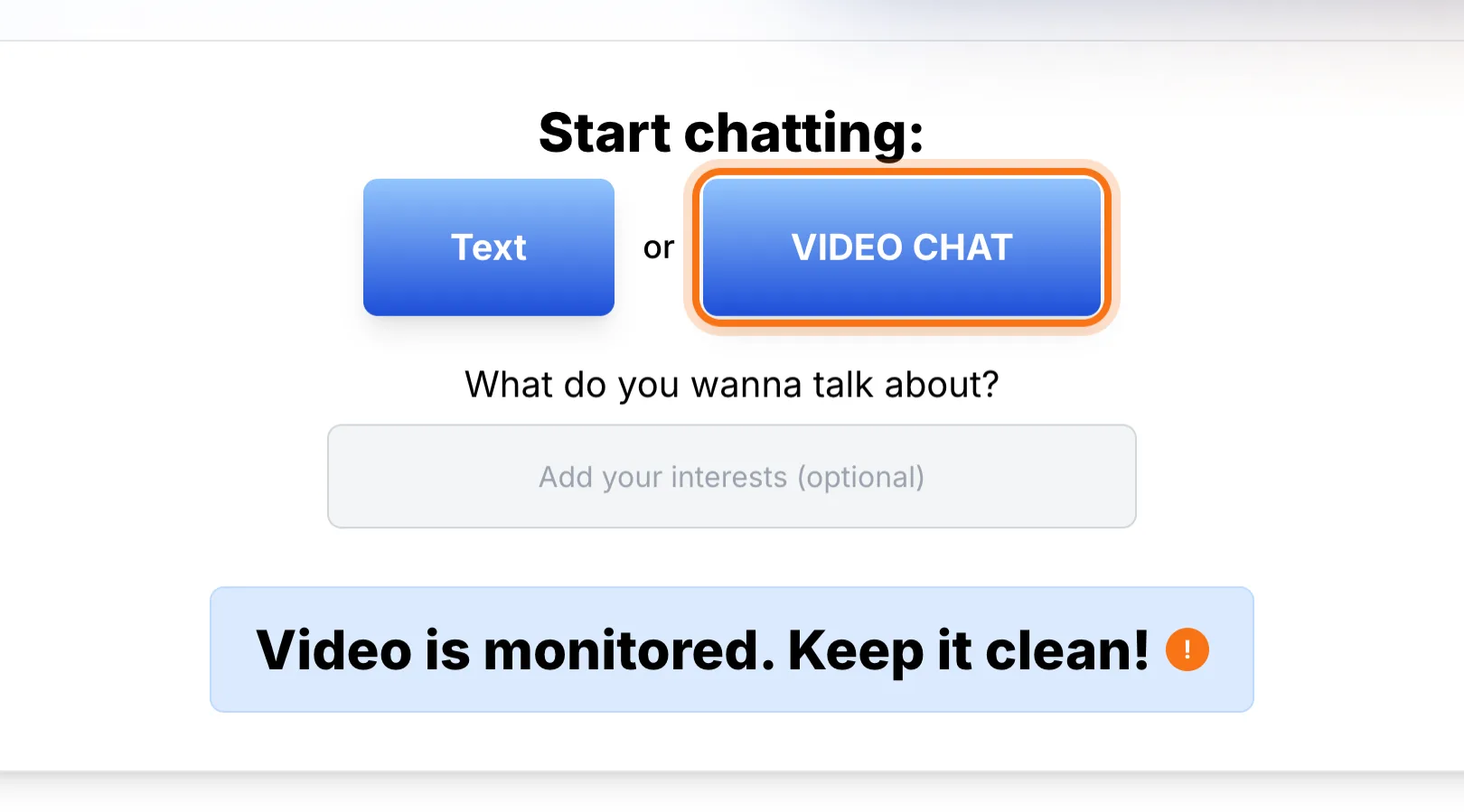
Choose video chat on the home page
On the home page, select VIDEO CHAT instead of Text.
Allow your camera and microphone
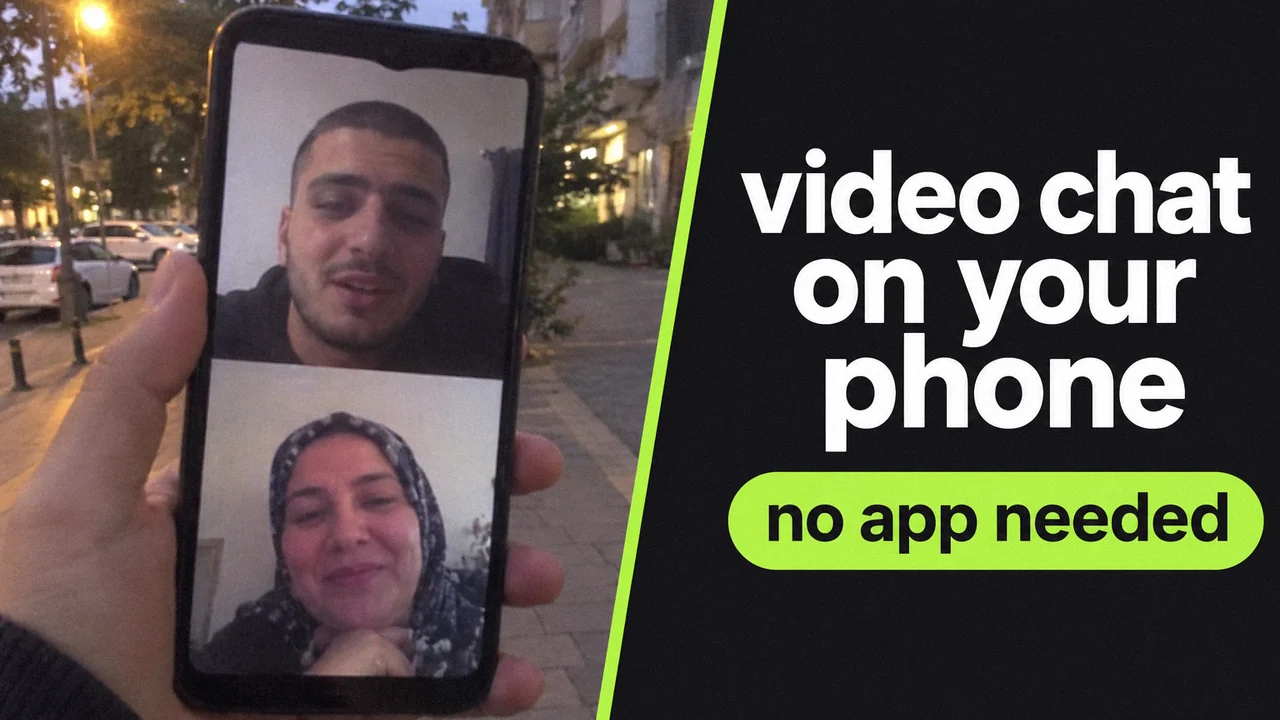
Your browser asks for permission the first time. If something goes wrong, follow our guides for iPhone, Android or computers.
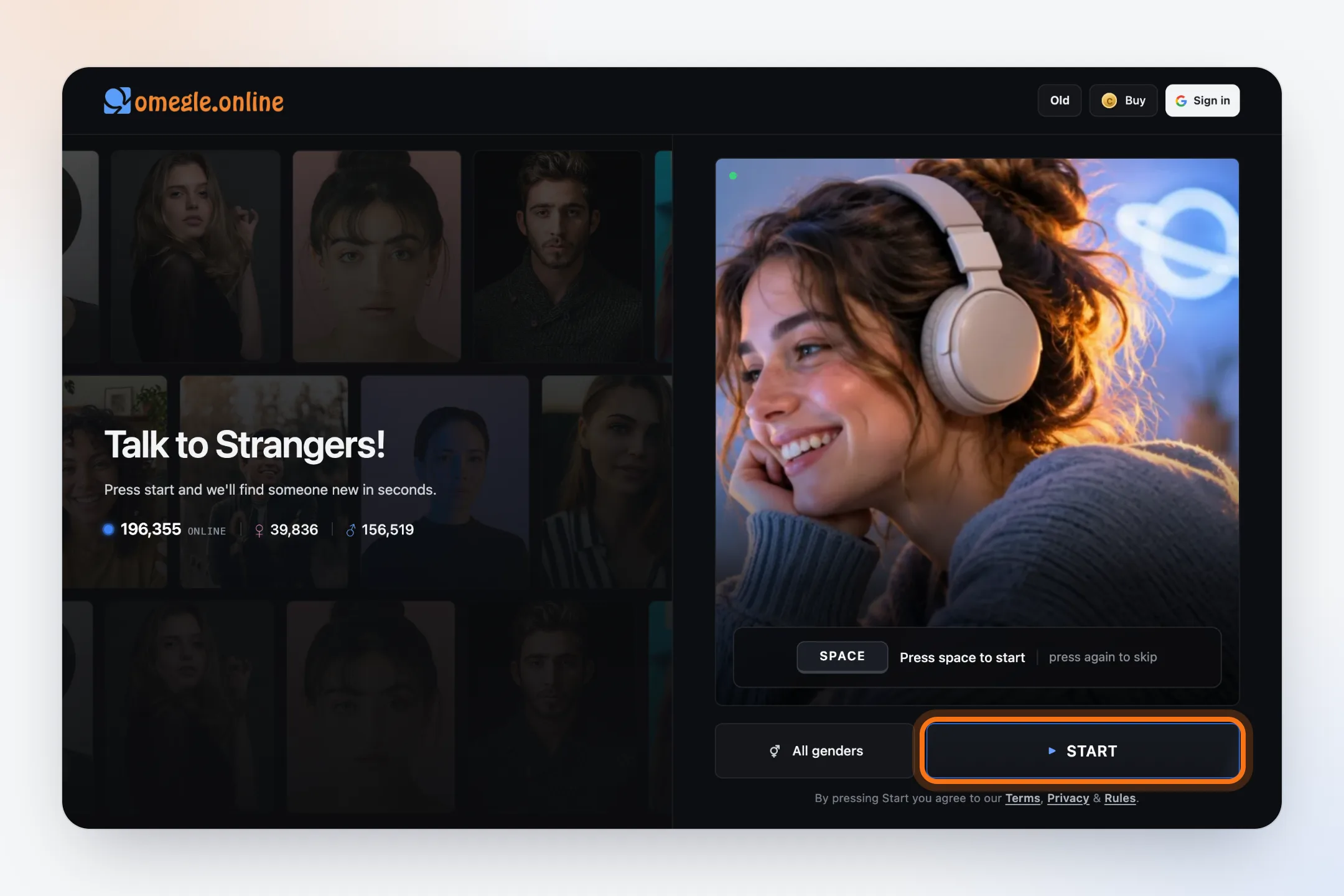
Check your preview, then press Start
Before anyone sees you, your own camera image appears on the screen. Take a moment to check the light and what is behind you, then press START.
Keep the first chat short
Say hello and ask one simple question. If it doesn’t click, move on. Nobody expects a long conversation from the first person you meet.
Bring your text chat habits with you
What works in text works on video too: a friendly opener, a real question and actually listening to the answer. Our article on how to start a conversation with a stranger has ideas you can use in both.
Be careful with “let’s continue on another app”
Sometimes a person in text chat suggests moving to a video call on another app, or asks for your number or social media. You don’t need any of that to try video, because video chat is right here. Moving to a private app is a step scammers often use, so be careful. You can read more about video chat scams.
Not ready yet? That’s fine
Text chat isn’t a lesser option. Plenty of people prefer it, and many switch between the two depending on their mood. If you want a side-by-side look at both, read text chat vs video chat.